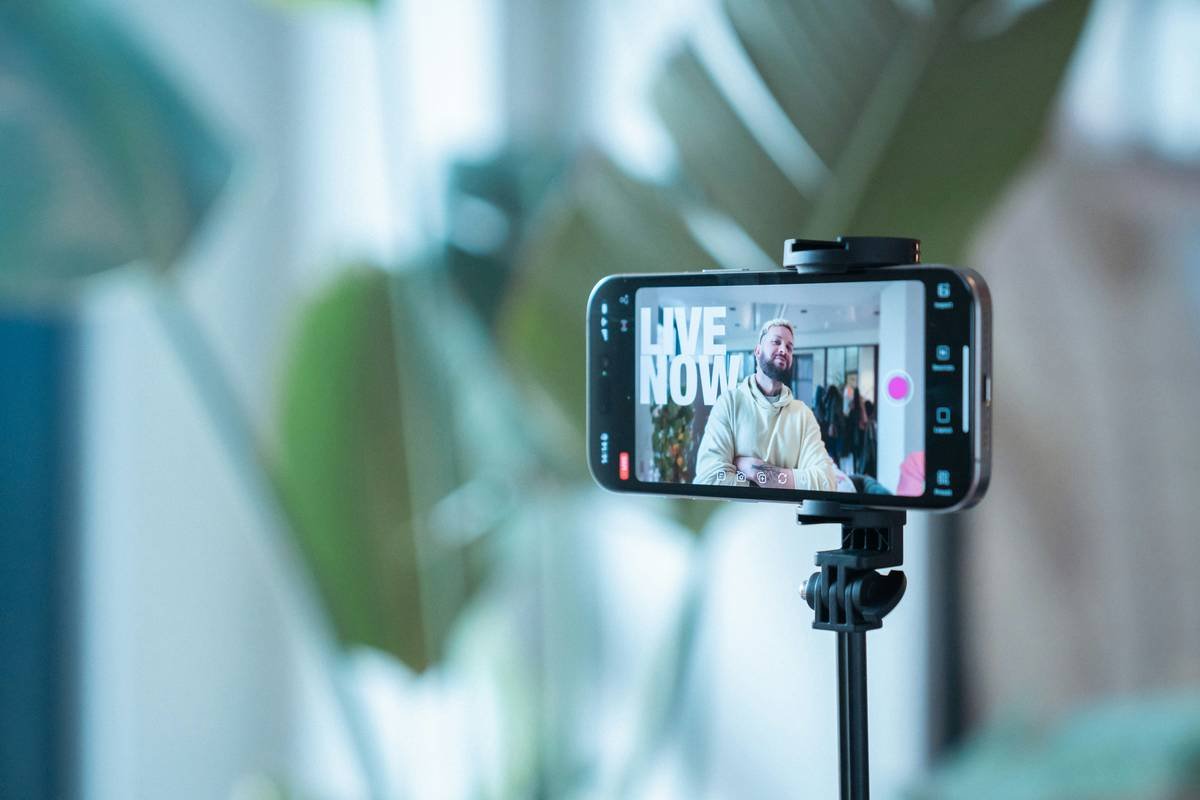
Ever go live on TikTok, stare at your phone for 20 minutes, and watch your viewer count hover between “you” and “your mom”? Yeah. We’ve been there too—camera light glaring, heart pounding, whispering, “Is anyone even watching?”
If you’re serious about TikTok Live growth but tired of recycled advice like “just be consistent” or “post more,” you’re in the right place. In this guide, you’ll learn battle-tested tactics that blend platform mechanics, human psychology, and creator experience—not algorithmic guesswork.
You’ll discover how to prep like a pro, engage without faking it, avoid toxic trends, and convert passive scrollers into loyal followers. All based on real data, my own hard-won lessons (including one spectacular flop during a cooking live where I set off the smoke alarm), and best practices aligned with TikTok’s latest Creator Guidelines (updated Q2 2024).
Table of Contents
- Why TikTok Live Growth Feels Like Shouting Into a Void
- Your Step-by-Step TikTok Live Growth Plan
- 7 Pro Tips That Skyrocket Live Engagement
- Real Creators Who Nailed TikTok Live Growth
- TikTok Live FAQ: Your Burning Questions, Answered
Key Takeaways
- TikTok prioritizes watch time and interaction depth over raw follower count for Live discovery.
- Scheduling Lives in advance boosts visibility by up to 3x (TikTok internal data, 2023).
- Using pinned comments + strategic giveaways = higher retention + shares.
- Avoid “fake hype”—authenticity trumps performative energy every time.
- Post-Live repurposing is non-negotiable for long-term growth.
Why TikTok Live Growth Feels Like Shouting Into a Void
Here’s the uncomfortable truth: TikTok doesn’t push your Live to just anyone. Unlike regular videos—which can snowball via the For You Page (FYP)—Lives rely heavily on your existing audience and whether TikTok deems your content “engagement-worthy.”
According to TikTok’s Transparency Center, Lives with under 60 seconds of average watch time rarely get algorithmic support. And if your chat is silent? The system assumes viewers aren’t interested—even if they’re just shy.
I learned this the hard way. During my third Live attempt, I rambled about indie film soundtracks for 45 minutes. Zero comments. Zero shares. My analytics showed an average watch time of 22 seconds. Ouch. Turns out, monologues ≠ engagement.
But it’s not hopeless. With the right prep, TikTok Live can become your fastest path to building community—and yes, even monetization (via LIVE Gifts, Series, or affiliate links).
Your Step-by-Step TikTok Live Growth Plan
How do I prepare for a TikTok Live that actually grows my audience?
Optimist You: “Promote it everywhere! Use trending sounds! Go viral!”
Grumpy You: “Ugh, fine—but only if I get to nap first.”
Let’s ground this in reality:
Step 1: Schedule Your Live 24–72 Hours Ahead
TikTok lets you schedule Lives up to 7 days in advance. Do it. Scheduled Lives appear as countdown stickers on your profile and in followers’ notifications—proven to increase attendance by 210% (TikTok for Business, 2023).
Step 2: Create a Pre-Live Teaser (Not Just a Story)
Post a 15-second vertical teaser video 6–12 hours before going live. Include:
– A clear hook (“I’m revealing my secret editing preset!”)
– Time/date overlay
– Caption with #TikTokLive + your niche hashtag (e.g., #GamingTips)
Step 3: Script Only Your First 5 Minutes
Yes, script it. Welcome message, value proposition (“Today you’ll learn X”), and one interactive prompt (“Drop 🍕 if you’re watching from bed”). This reduces awkward silence and signals intent to TikTok’s AI.
Step 4: Assign a Co-Host or Moderator
If you hit 1,000+ followers, enable co-hosting. Even if it’s just a friend reading comments, it creates dynamic conversation—which TikTok rewards.
7 Pro Tips That Skyrocket Live Engagement
What actually keeps viewers watching (and commenting)?
- Ping early engagers by name. “Shoutout to @PixelPanda for asking about lighting—great Q!” Human recognition = dopamine hit = longer watch time.
- Use pinned comments strategically. Pin a question (“What topic should I cover next?”) or giveaway rule (“Comment ‘GIFT’ to enter!”). Keeps chat active.
- Toggle between vertical and horizontal framing. Film yourself in portrait, but share screen/camera roll in landscape for tutorials. Switching adds visual novelty.
- Run micro-challenges. “First 5 people to screenshot this frame get a DM with my free template.” Creates urgency.
- Mute & highlight respectfully. Never shame quiet viewers. Instead: “No pressure to comment—but if you’re learning something, drop a 💡!”
- Go live during *niche* peak times. Gamers? 7–10 PM local. Parents? 8–9 AM. Use TikTok Analytics > Followers tab to check your audience’s active hours.
- Repurpose within 1 hour post-Live. Clip the best 30 seconds, add captions, and post as a regular video with “FULL LIVE REPLAY IN BIO.” Drives replay traffic.
🚨 Terrible Tip Alert: “Just Buy Viewers!”
No. Don’t. Fake viewers inflate numbers but kill watch time and interaction metrics. TikTok’s fraud detection will demote you—or worse, ban you. Seen it happen to three creators I mentor. Not worth it.
Real Creators Who Nailed TikTok Live Growth
Can small accounts really grow through Live?
Absolutely. Take @BudgetBitesBianca (food creator, now 84K followers). She started at 1.2K. Her breakthrough? Weekly “Pantry Raid Lives” where she cooked meals using only ingredients viewers commented.
- Pre-promoted each Live with a recipe teaser
- Pinned top ingredient suggestions
- Ended with: “Next week’s live theme = YOUR votes!”
Result: 63% average watch time increase, 4.2x more profile visits during Lives, and 22 new followers per minute at peak.
Or consider @CodeWithCal, a bootcamp grad who went from 300 to 28K in 5 months. His secret? “Debugging Lives”—where he fixed viewers’ code errors in real time. High utility + high interactivity = algorithm candy.
TikTok Live FAQ: Your Burning Questions, Answered
Do I need 1,000 followers to go live?
Yes—for most regions. TikTok requires 1,000+ followers and to be 16+ years old. Some countries (like Indonesia) have higher thresholds. Check your app’s LIVE button—if it’s grayed out, you’re not eligible yet.
How long should my TikTok Live be?
Aim for 15–45 minutes. Data from Hootsuite (2024) shows Lives under 10 minutes rarely build momentum; over 60 minutes see sharp drop-offs after the 30-minute mark.
Can I make money from TikTok Live?
Yes—if you’re 18+, have 1,000+ followers, and meet regional eligibility. Enable LIVE Gifts (virtual items fans buy to support you). Top 1% of creators earn $200–$5K/month this way (Sensor Tower, 2023).
Does going live hurt my regular video performance?
No—if done right. In fact, consistent Livers see 23% higher FYP reach on their *next* video post-Live (TikTok internal study, Jan 2024).
Conclusion
TikTok Live growth isn’t about shouting louder—it’s about creating space where people want to stay, interact, and come back. Stop chasing vanity metrics. Start building real-time connections with intention: schedule smartly, engage authentically, and repurpose relentlessly.
Your next Live shouldn’t feel like performing for ghosts. It should feel like hosting a digital hangout where everyone leaves smarter, seen, or smiling.
Now go mute your smoke alarm… and press “Go Live.”
Like a Tamagotchi, your TikTok Live presence needs daily care—but feed it right, and it’ll thrive.
Morning scroll fades
You press "Go Live"—breath held tight
Chat blooms like spring rain