Ever spent 3 hours setting up your stream only to have 5 viewers? Yeah, we’ve been there too.
In this blog post, you’ll learn how to optimize your stream channel with essential tips that can turn those few viewers into a loyal and engaged community. You’ll discover the best practices for setup, engagement, and growth, and even get a peek at some real-world success stories. So, let’s dive in!
Table of Contents
- Why Streamer Optimization Matters
- Step-by-Step Guide to Perfect Your Stream Setup
- Top Tips for Engaging and Growing Your Audience
- Real-World Examples of Successful Streamers
- FAQs: Answering Your Most Common Questions
Key Takeaways
- Choose the right equipment and software for your stream.
- Create a consistent and engaging content schedule.
- Interact with your audience to build a loyal community.
- Utilize SEO and social media to promote your stream.
Why Streamer Optimization Matters
The world of streaming is more competitive than ever, and having a well-optimized stream channel is crucial for standing out. Imagine spending hours perfecting your stream, only to have it go unnoticed. It’s like hearing the whirrrr of your laptop fan during a 4K render, but no one’s there to appreciate it.
By optimizing your stream, you can ensure that your hard work doesn’t go to waste. Whether you’re a gaming streamer, a music enthusiast, or a vlogger, a well-structured and engaging stream can make all the difference.
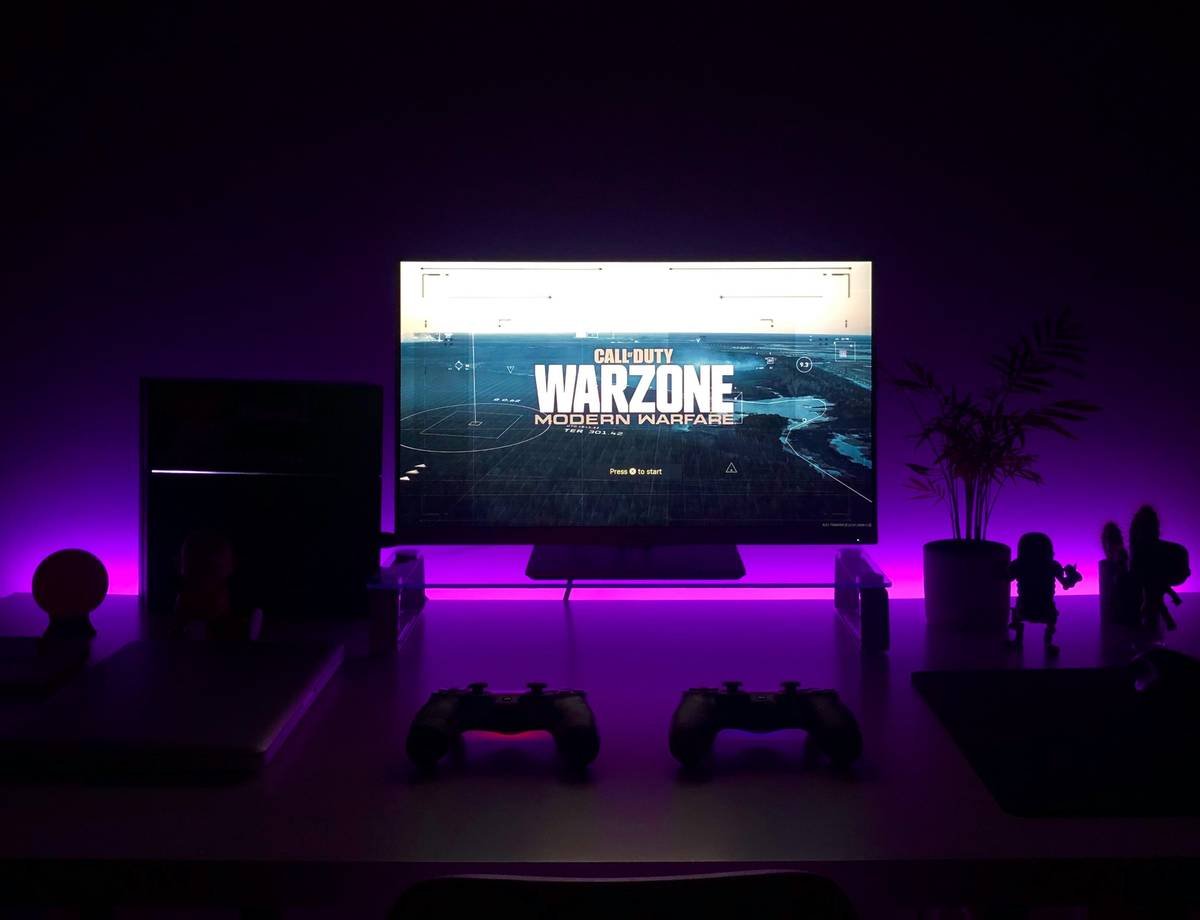
Step-by-Step Guide to Perfect Your Stream Setup
*Optimist You:* “Let’s get that setup dialed in!”
Grumpy You: “Ugh, fine—but only if coffee’s involved.”
- Choose the Right Equipment
- Camera: Invest in a high-quality webcam or camera that captures clear, crisp video.
- Microphone: A good microphone is essential for clear audio. Consider a USB condenser mic or a dynamic mic.
- Lighting: Proper lighting can make a huge difference in the quality of your stream. Use softbox lights or ring lights to illuminate your face and background.
- Select the Right Software
- OBS Studio: Free and powerful, OBS Studio is a popular choice for live streaming.
- Streamlabs OBS: A user-friendly alternative to OBS Studio with built-in tools and features.
- Streamyard: Ideal for beginners, Streamyard offers a simple interface and easy integration with various platforms.
- Configure Your Settings
- Bitrate: Adjust your bitrate to balance quality and stability. A good starting point is 6000 kbps for 1080p60.
- Resolution and Frame Rate: Aim for 1080p60 for the best quality, but be mindful of your internet connection and hardware capabilities.
- Audio Settings: Ensure your audio levels are balanced and free from background noise.
Top Tips for Engaging and Growing Your Audience
*Optimist You:* “Follow these tips!”
Grumpy You: “Ugh, fine—but only if coffee’s involved.”
- Be Consistent
- Schedule: Create a consistent streaming schedule so your audience knows when to tune in.
- Content Themes: Develop a theme or niche for your stream to attract a specific audience.
- Engage with Your Audience
- Chat Interaction: Regularly interact with your chat to build a sense of community.
- Viewer Shoutouts: Give shoutouts to your viewers to make them feel appreciated.
- Promote Your Stream
- Social Media: Share your stream on platforms like Twitter, Instagram, and Facebook to reach a wider audience.
- SEO: Optimize your descriptions and titles with relevant keywords to improve search visibility.
Real-World Examples of Successful Streamers
Let’s take a look at some real-world examples of streamers who have successfully optimized their channels and grown their audiences.
- Ninja (Tyler Blevins): Known for his consistent and engaging streams, Ninja has built a massive following on Twitch and YouTube. He regularly interacts with his chat and provides high-quality content, which has helped him become one of the most recognizable names in the streaming world.
- Zomba (Jordan Carver): Zomba, a popular Among Us streamer, has leveraged the game’s popularity and his engaging personality to grow his audience. He consistently streams and interacts with his viewers, making them feel part of the action.
FAQs: Answering Your Most Common Questions
*Optimist You:* “Got questions? We’ve got answers!”
Grumpy You: “Ugh, fine—but only if coffee’s involved.”
- How often should I stream?
- It’s best to stream consistently, but the frequency depends on your availability. Aim for 3-5 times a week to keep your audience engaged.
- What’s the best time to stream?
- Find a time when your target audience is most active. This could be during the evening or weekends, depending on your niche.
- How do I promote my stream?
- Use social media, engage with your community, and optimize your stream with relevant keywords to improve search visibility.
Conclusion
Optimizing your stream channel is key to growing your audience and building a loyal community. By following the tips and best practices outlined in this post, you can transform your streaming experience into a successful and engaging venture. Remember, consistency, engagement, and promotion are the pillars of a thriving stream channel.
Just like a Tamagotchi, your stream needs daily care and attention. With the right strategies, you can achieve the streaming success you’ve always dreamed of.
Like a Tamagotchi, your SEO needs daily care. Keep nurturing your stream, and watch it grow!